
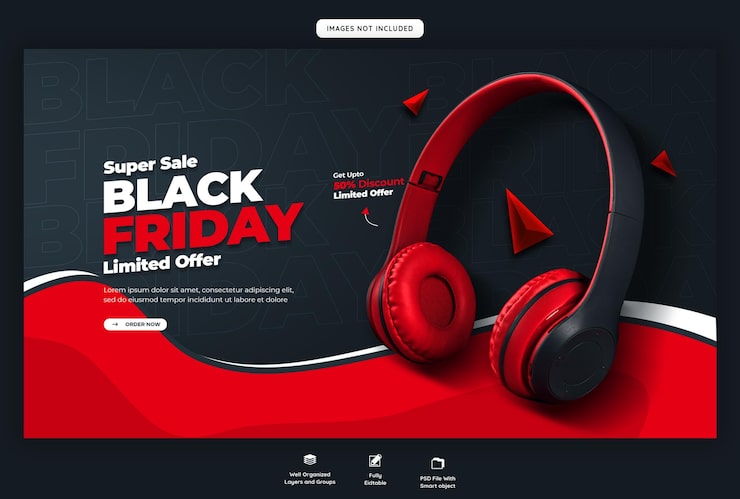
Bento
Clean, playful bento grid layout. Ideal for digital products and lifestyle brands.
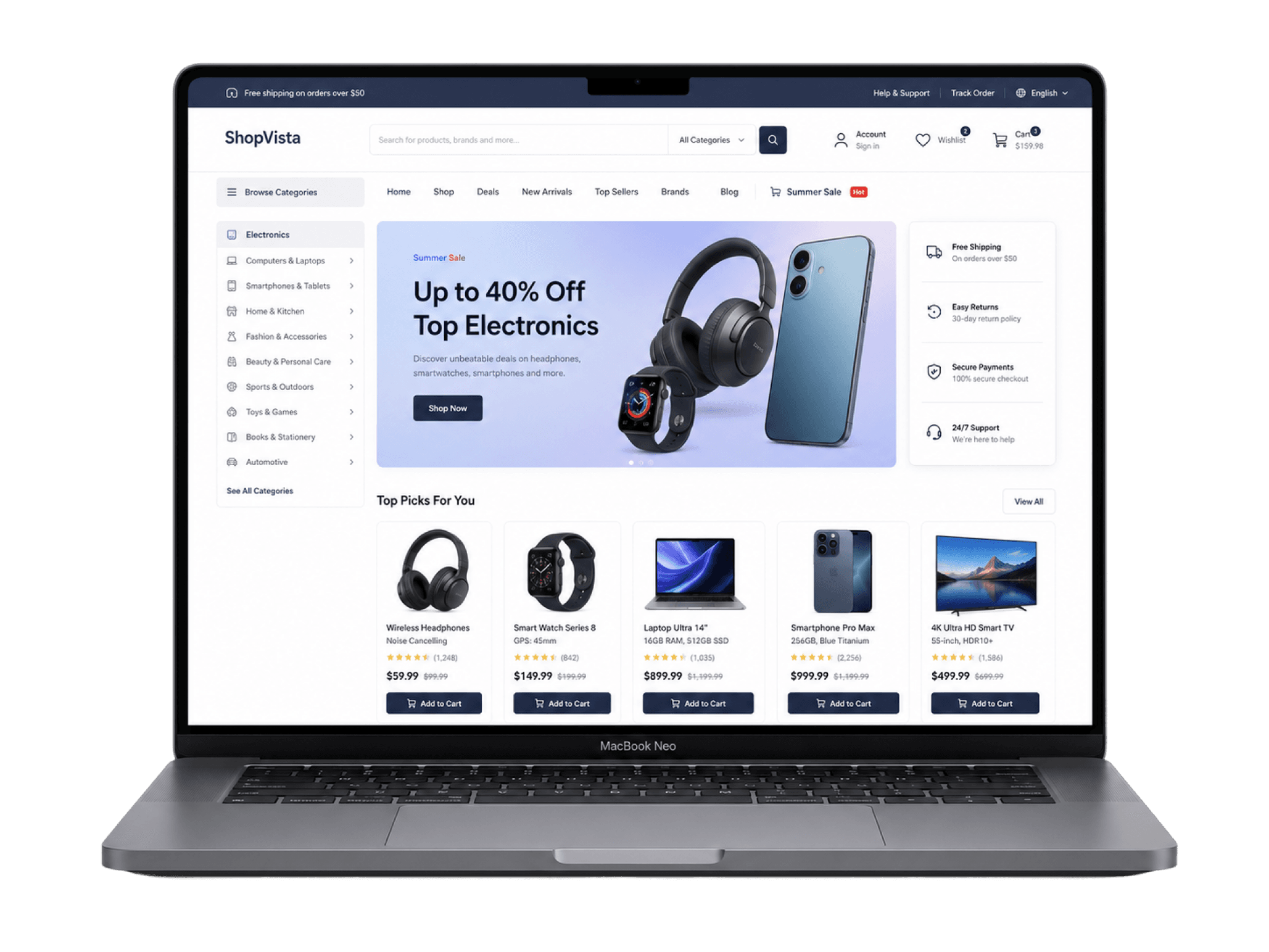
Bento
Clean, playful bento grid layout. Ideal for digital products and lifestyle brands.
Bold
Modern template with a full layout and strong typography. Great for fashion, sports, and lifestyle.
Minimal
Minimal design focused on the product. Works for every kind of store.
Explore More
Browse all templates in the library
Short answers about store setup, templates, and publishing. Need more detail? Head to the docs.
Etalase is a storefront builder for merchants. Pick a template, customize the look, add your catalog, then publish your store on your own subdomain.
Sign in, open the Dashboard, then create a new store with a name and slug. After that, choose a template and start customizing in the editor.
No. There are free and paid templates. Free templates and ones you already own can be activated on your store right away.
In the editor you can change sections, colors, typography, images, text, and CTAs. Updates show instantly in desktop and mobile preview.
Activate a template on your store, make sure products are ready, then use Live Store. Your shop will be available on the subdomain from your slug.
Setup, templates, customization, catalog, and operations are all covered in the Etalase docs. The button below takes you there.